|
<< Click to Display Table of Contents >> Tips and Tricks |
  
|
|
<< Click to Display Table of Contents >> Tips and Tricks |
|
Using Preheat
It can take some time to heat up the chamber before starting the printing process.
To speed this up, the Preheat function on the main menu can be used to heat the chamber beforehand.
This is how:
1. Choose Preheat → Set Preheating screen is now shown
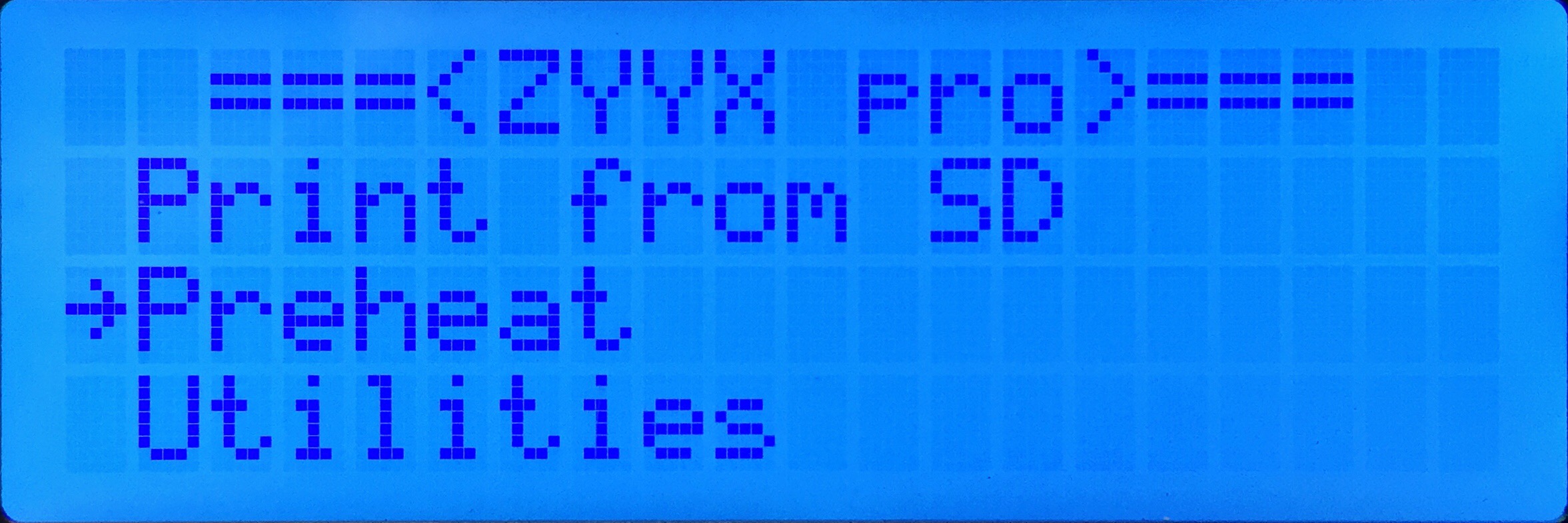
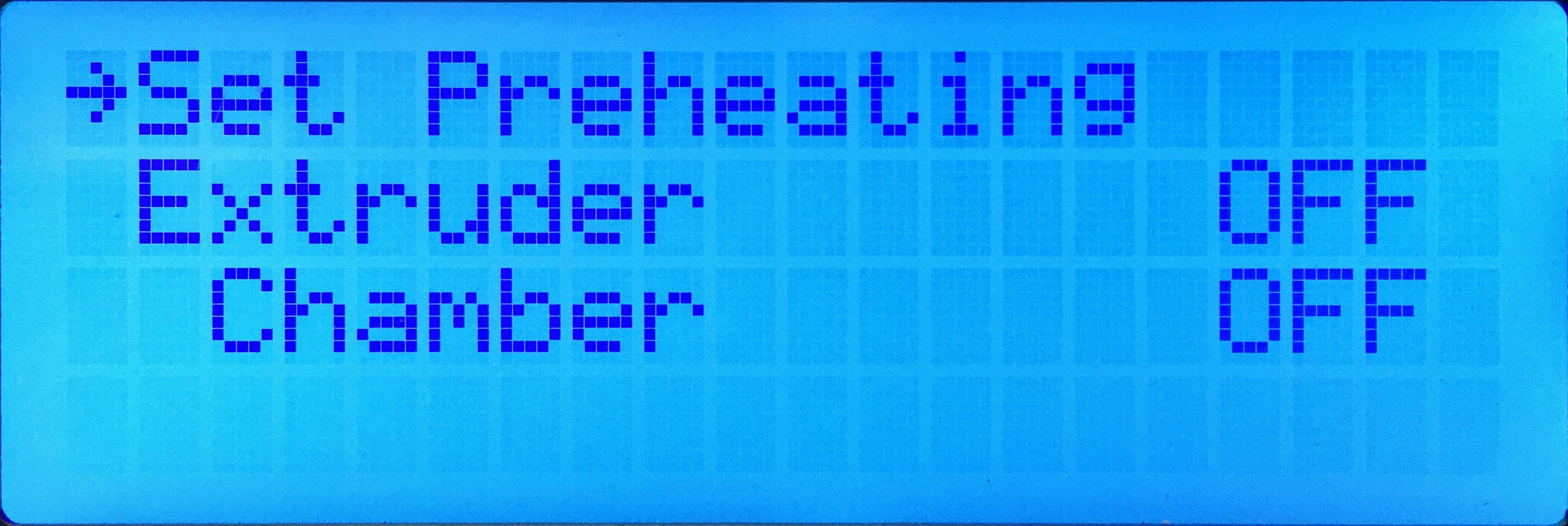
2. Select Chamber and press the Green button → Chamber setting should now be ON
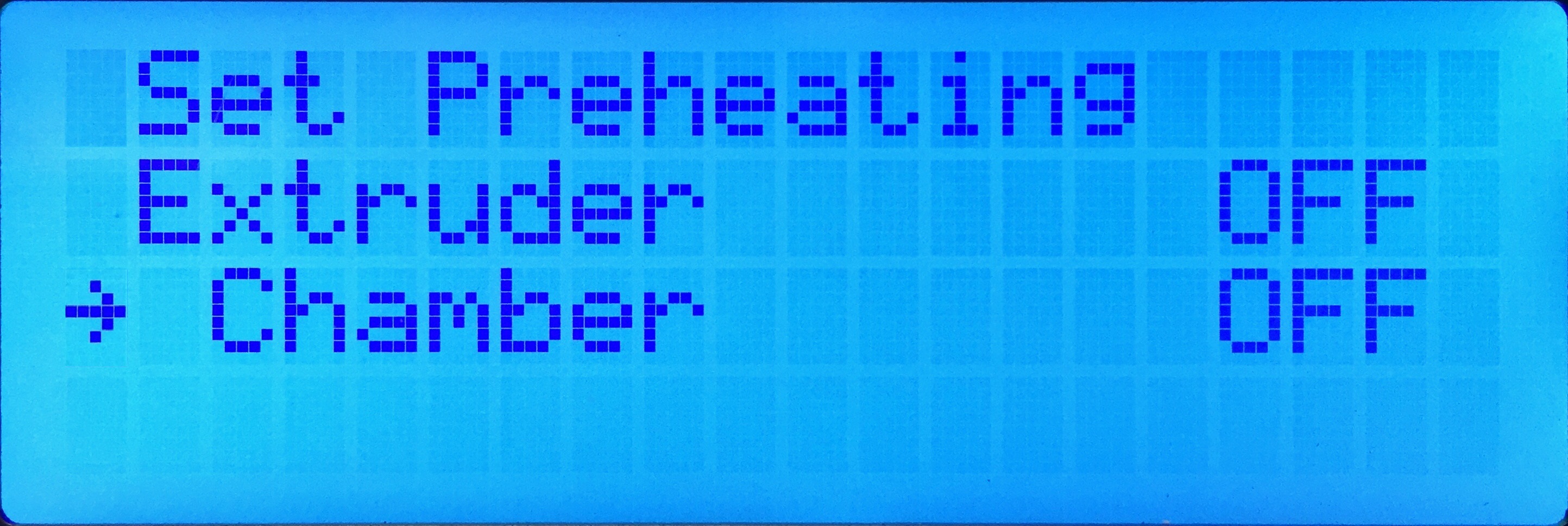
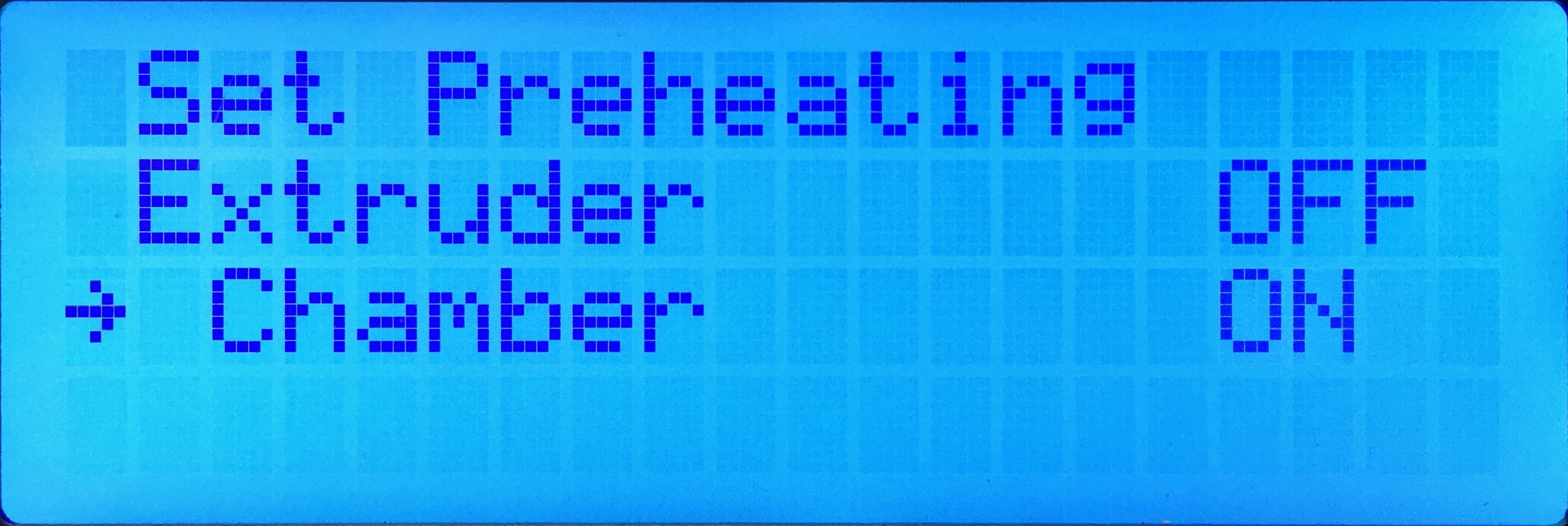
3. Select Set Preheating and press the Green button → The heater fans will turn on
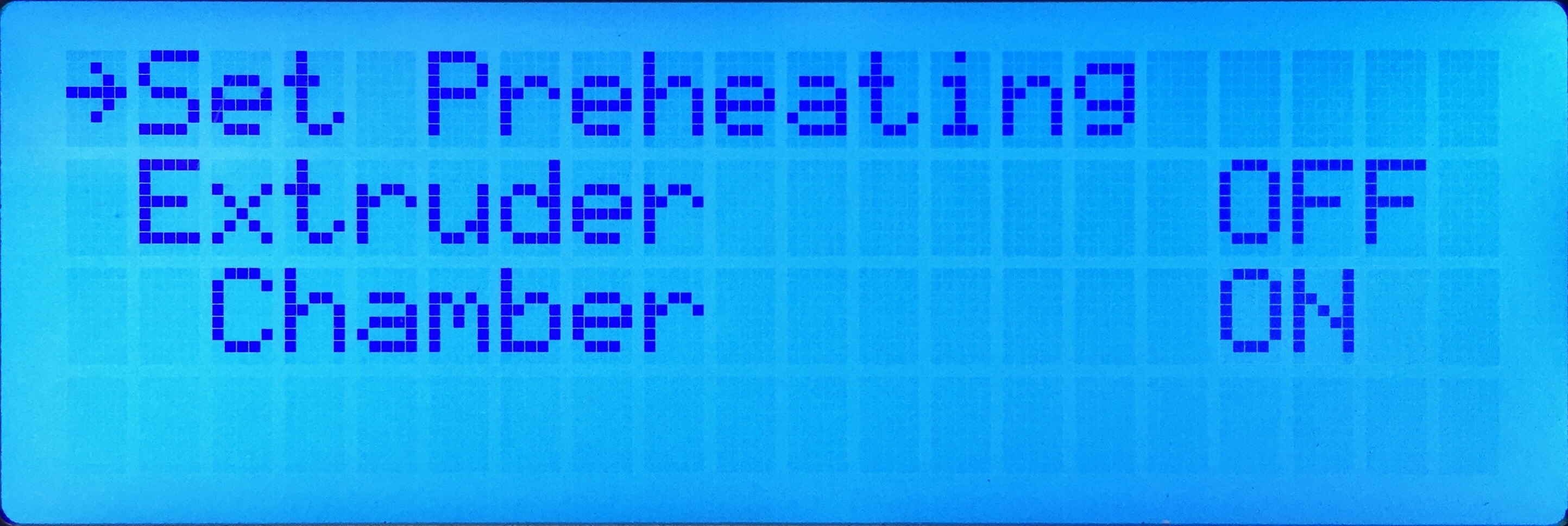
4. Exit the menu by pressing the Left button twice
There is also a setting for the preheat temperatures. You will find this under Utilities → Preheat Settings.
Max file length and file type
The system supports a max file length of 32 characters of which 16 is visible simultaneously on the ZYYX pro display.
It is recommended is to keep the important info in the beginning of the file, so that the right file is easily found.
A good practice is to add info about material and SwiftTool size in the file name, since every material is unique and a sliced file works only for that material. The file name is limited to 32 characters, so a short code suffix like:
"-P04" for proPLA with 0.4 SwiftTool
"-C06" for proCarbon with 0.6 SwiftTool
"-A02" for proABS with 0.2 SwiftTool
etc.
allows more space for the description.