|
<< Click to Display Table of Contents >> Unpacking Your Printer |
  
|
|
<< Click to Display Table of Contents >> Unpacking Your Printer |
|
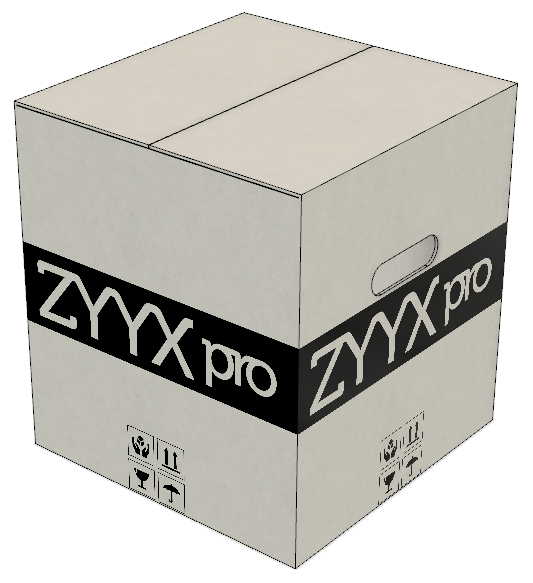
1.Place the box on the ground with text facing up and open it up, by removing the tape. Be careful with sharp tools.
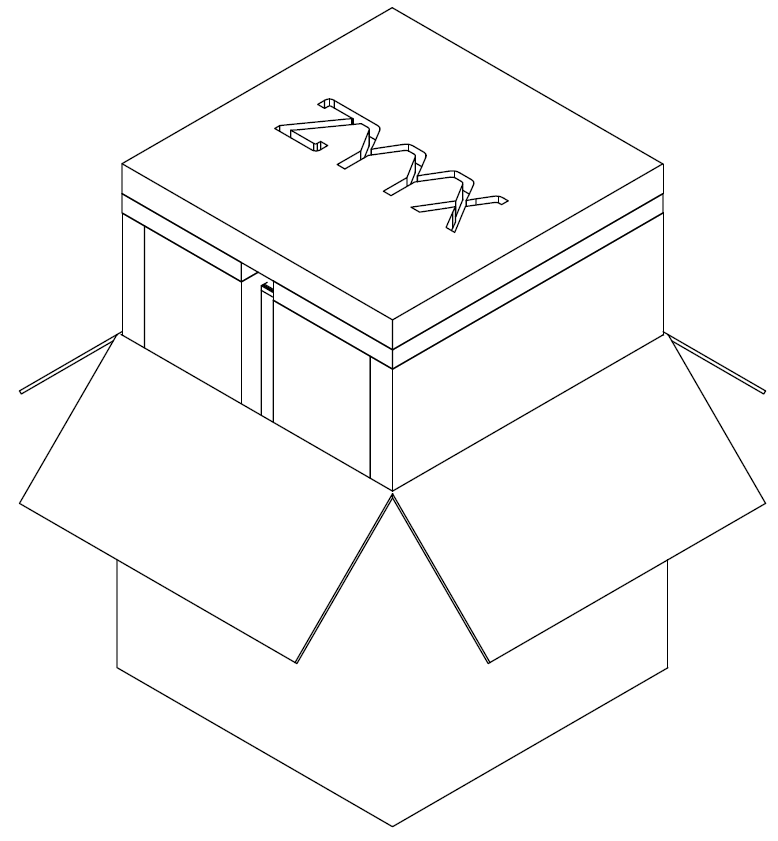
2.Lift the top styrofoam (with ZYYX engraving) and remove the gray plastic printer cover.
3.Slowly take the printer out of the box by grasping the upper steel frame with two hands. (You can alternatively find hand grips on the outside of the styrofoam packaging.)
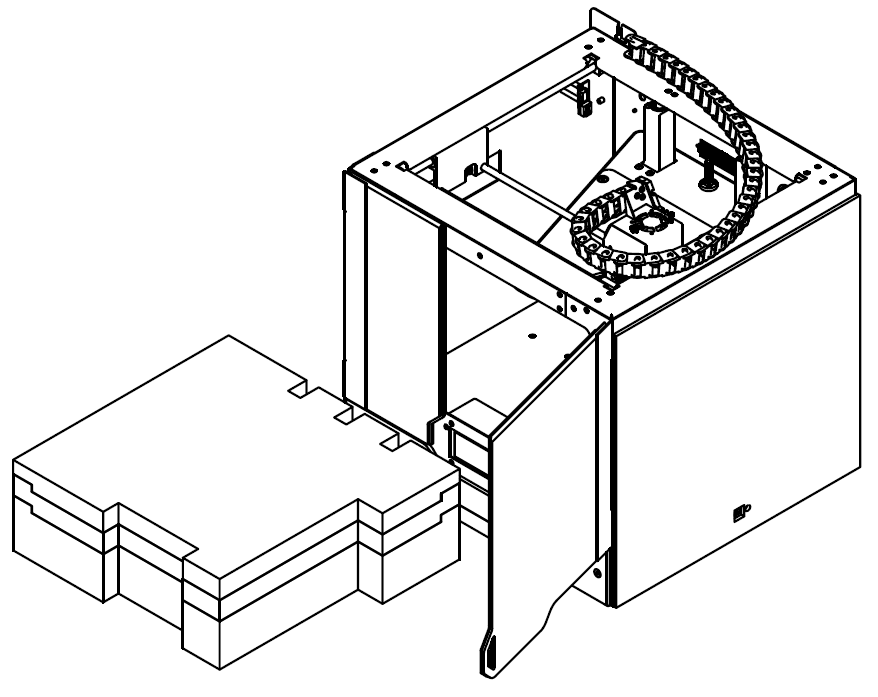
4.Place the printer on a sturdy, flat surface and carefully remove all packaging materials, including the two zip ties around the printhead axis, holding the axis to the front frame of the printer.
5.Remove the foam blocks inside the printer. Embedded in the foam you will find the build plate and optional tool kit bag.
Please keep all packaging materials, as they provide the required means of transporting your printer, should the need arise.